For technicians: how it works
The production team has invited you to vortex. Here are the five steps you take, from the link in the email to your payslip. In vortex you fill in a rapport: the report of your details, work days and receipts. All you need is a browser on your phone or computer. You don’t have to register.
The five steps
Section titled “The five steps”-
Accept the invitation. Tap the link in the production team’s email and you’re signed in. More: Invitation and sign-in.
-
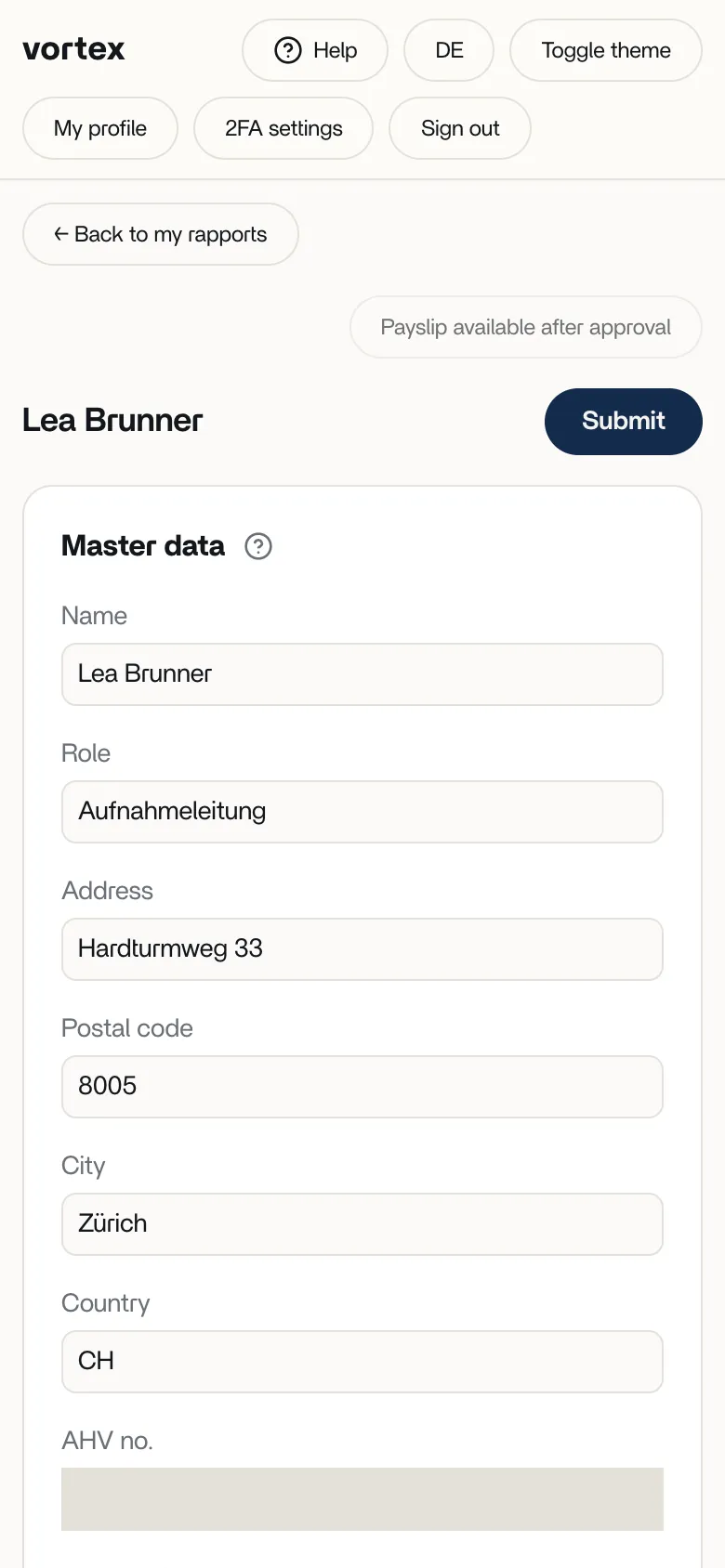
Fill in your details and bank account. Name, address, date of birth, AHV no. (your Swiss old-age and survivors’ insurance number) and IBAN. More: Personal details and bank account.
-
Record your work days. For each day you enter the date, start, end, break and expenses. vortex works out your pay straight away. More: Recording work days.
-
Upload receipts. If you paid for something out of your own pocket, upload the receipts as a photo or PDF. More: Uploading receipts.
-
Submit. When everything is right, you submit your rapport. The production team checks and approves it. After that you can download your payslip as a PDF. More: Submitting and payslip.
To see how vortex works out your pay, read How vortex calculates your pay.
Who can see my data?
Section titled “Who can see my data?”Your rapport belongs to the project of the production team that invited you. Other productions can’t see it. Even within that production team, only people with the right “See crew personal data” can see your address, date of birth, AHV no., gender and IBAN.
Where can I get help?
Section titled “Where can I get help?”Look at these pages first. Short answers are in Frequently asked questions. If they don’t answer your question, contact the production team that invited you. You can reply directly to the invitation email: your reply goes to the person who invited you.